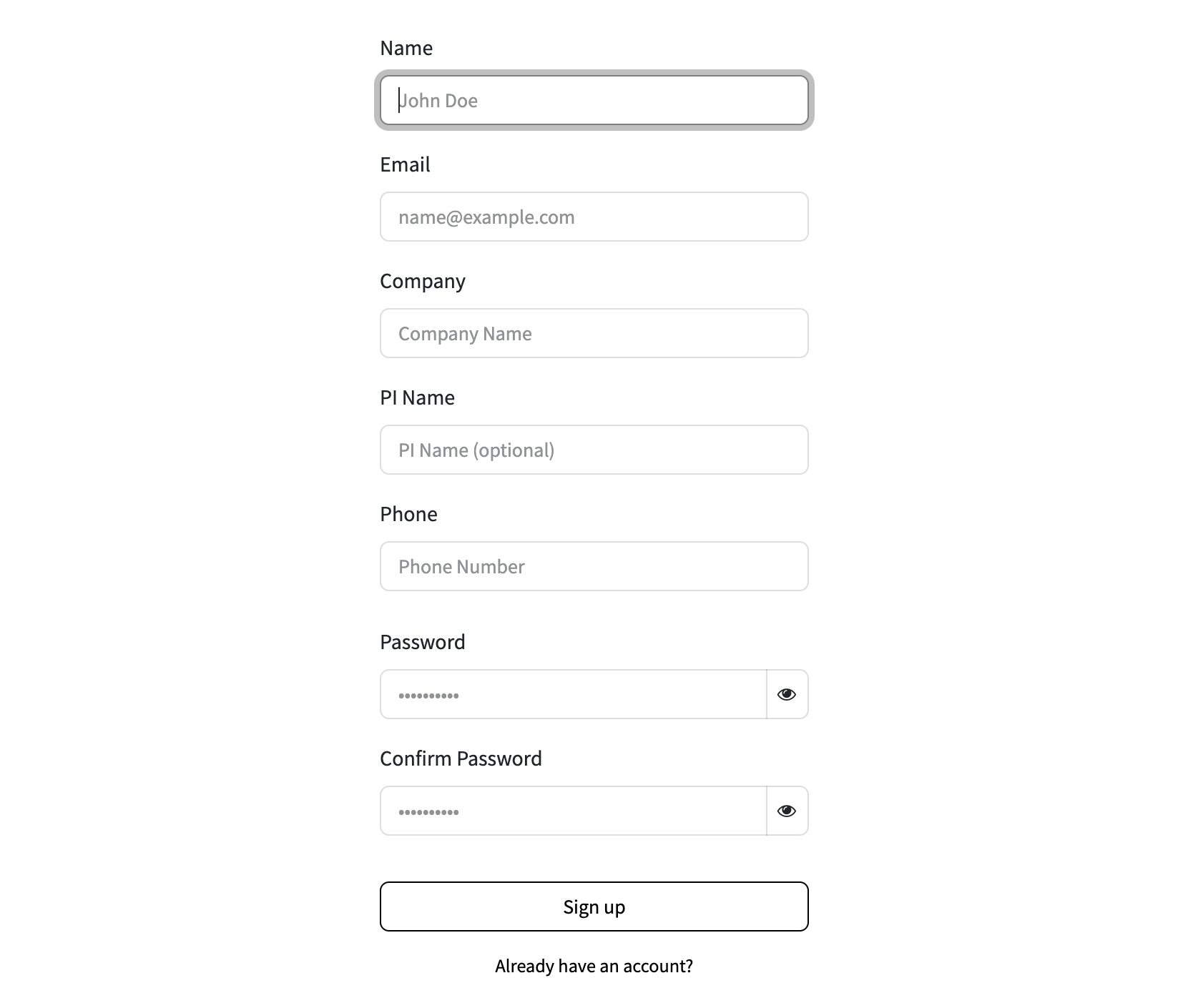
Step 1. Register a Distributor Account
Sign up and wait for approval. Once your account is approved, you'll have access to your dedicated distributor page.
Step 2. Add Products to Cart
Browse our catalog and add the products your customer wishes to purchase or inquire about to the shopping cart.

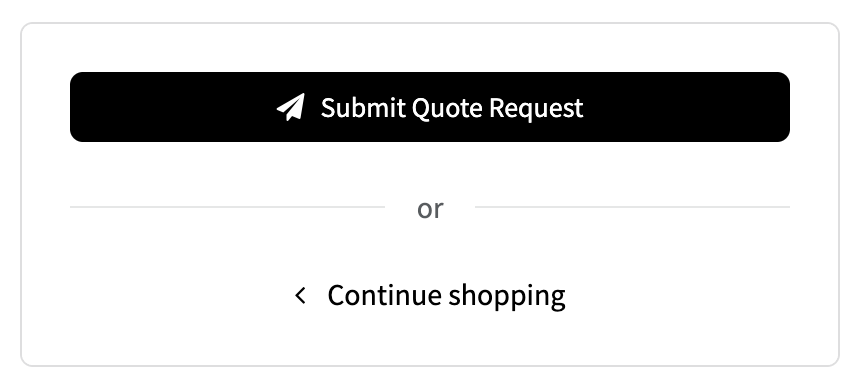
Step 3. Submit a Quote Request
Use the "Submit Quote Request" button at the bottom of the page. Please do not proceed to standard checkout.
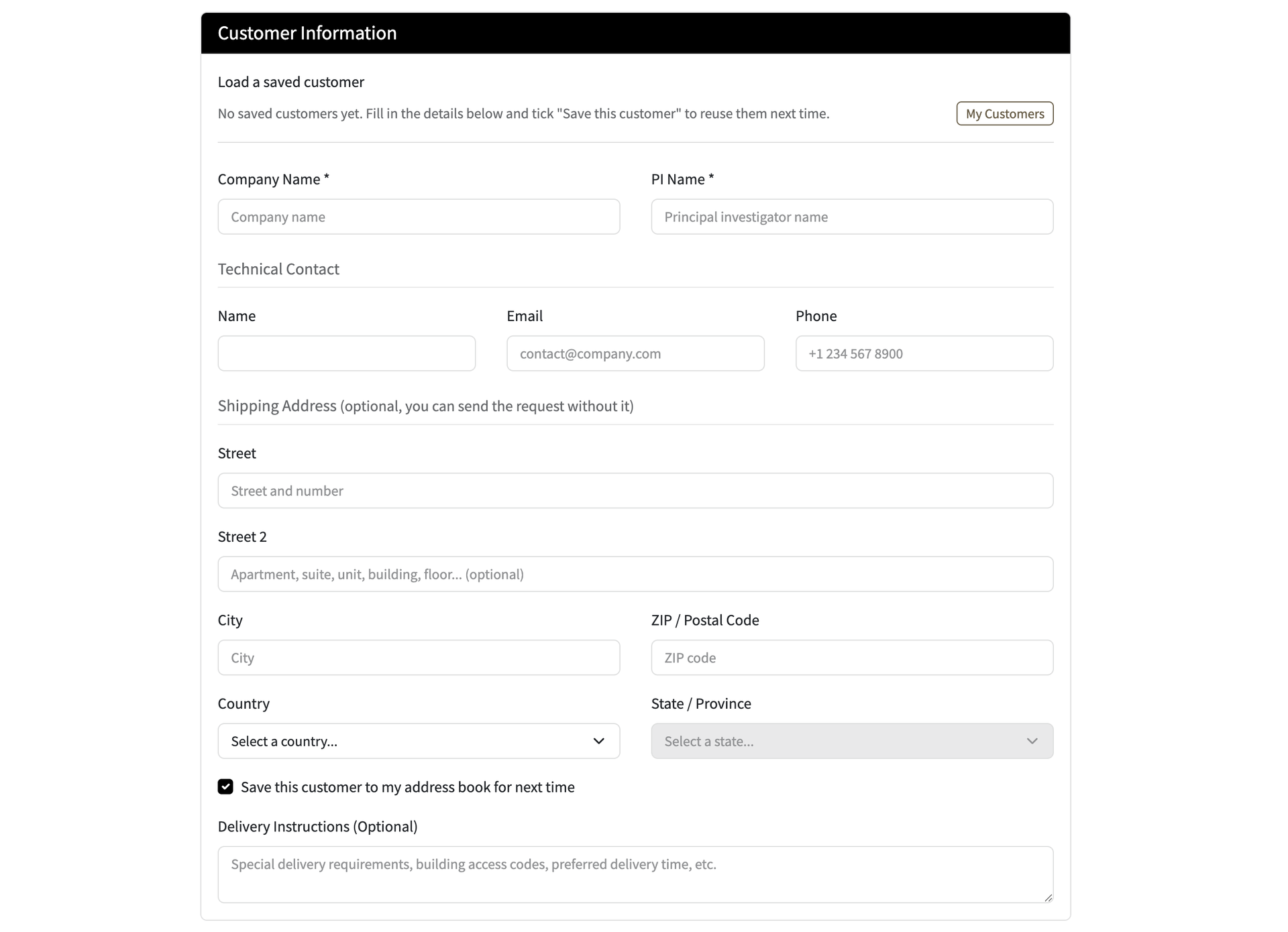
Step 4. Enter the End Customer's Shipping Information
Fill in the shipping details as instructed in the form and submit. We will then receive your quote request.
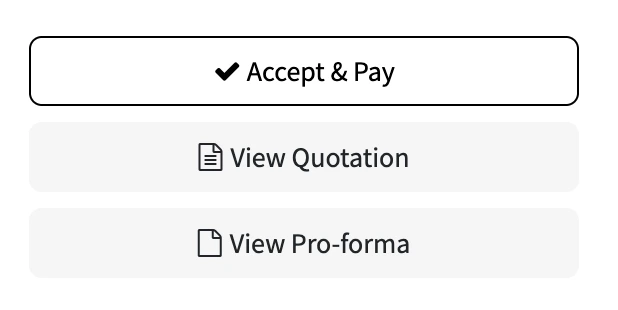
Step 5. Receive Your Quotation
Once your quotation is ready, all related documents (e.g., the quotation and proforma invoice) will be available in the Quotation Portal under the corresponding request. The order may also be forwarded to the end customer, and you can track all orders handled under your account in the Reference Orders section.
Step 6. Sign the Quotation
To keep all communication records organized under each order, please assist the end customer in downloading, signing, and returning the quotation via the Quotation Portal for that request. Any additional questions or requests can also be raised in the same chat thread.
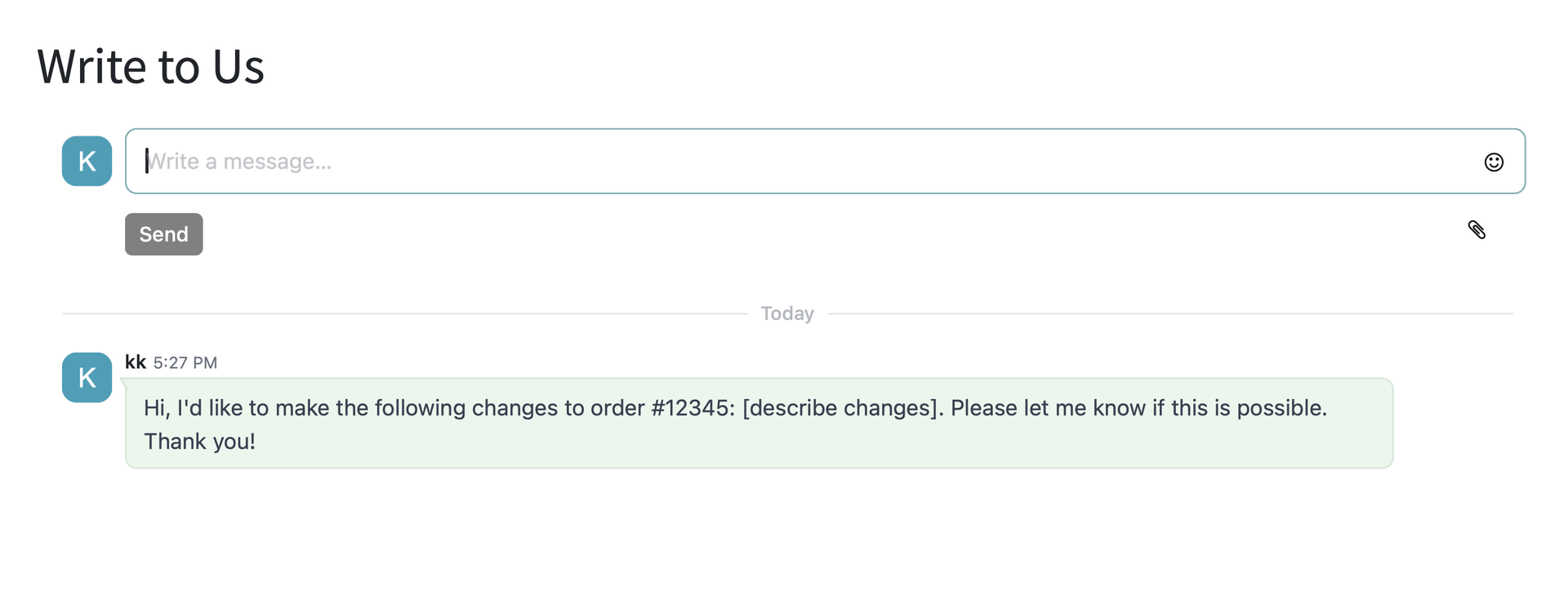

Reminder: Quote Requests are Editable Until Confirmed
Prior to order confirmation, you may edit the order at any time to modify the quote details or customer information.
Become a Distributor
We're looking for distribution partners worldwide. Partner with us to bring quality products to your market — contact us today.